
#OclassphotoEditing
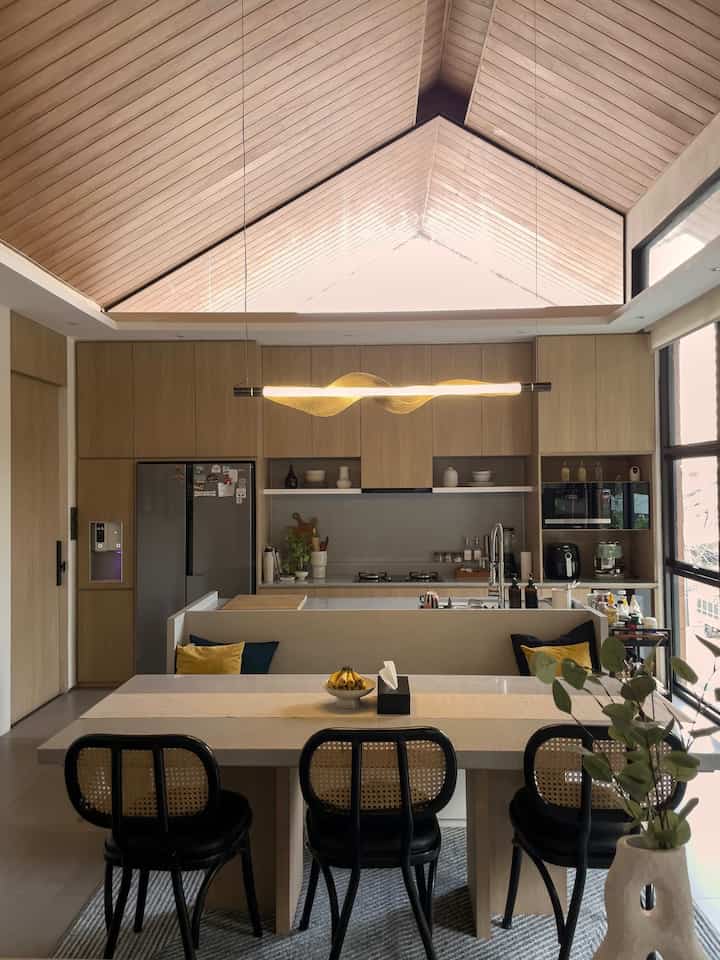
10
🌟Home Styling Photography 2.0 - Master the Art of Editing Phone Pics Like a Pro with Adobe Lightroom with Rizal Ramadhan (@studio_nau)🌟
Thank youu O!house team and Kak Rizal for this photo editing class.👏🏽☺️
It's very difficult for me to determine the photo style because each style has its own uniqueness and charm. There was a time when I liked bright photos, I also liked brownish (brown/chocolate color style)😄
But lately the colors that I apply and like are always towards warm tones, slightly yellow/brown but still clean and bright. Because the content of my social media is about activities around the house where my home style is modern minimalist towards Japandi. As also taught by Kak Rizal, the goal in every photo/video content is that I want people who see my house to feel comfortable, inviting, and warm cozy.
I rarely use LR apps because I think it's difficult, and I often use ready-made filters, but the problem is that not all photos can be equally good using the same filter. But after the material class from Kak Rizal, I understand each basic function in LR apps better. This time I tried to explore with a tone that leads to deep warm and I added grain with the goal of a warm and cozy vibes photo🤎.
Ps: photo sequence AFTER EDIT- BEFORE EDIT🙏🏽
_
#OClassPhotoEditing
#MyEditingStyle

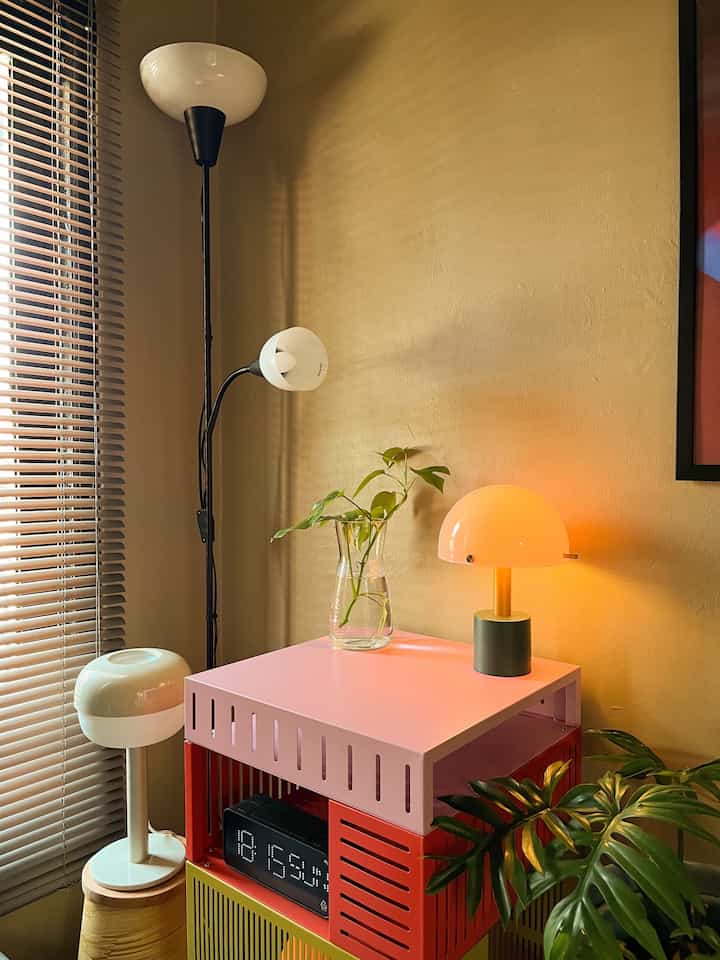
6
🌟Photo Challenge Alert!🌟
O!Class - "Home Styling Photography 2.0: Master the Art of Editing Your Phone Pics Like a Pro with Adobe Lightroom" with Rizal Ramadhan
Thank you in advance. The O!Class knowledge and tips provided are very useful for improving skills in photo editing 🙌🏻
In this post there are after and before results from editing using Adobe Lightroom. Photos edited using a warm style, an editing style that gives a photo a warm touch, often by adding yellow, orange, or red tones. This gives the image a warmer, cozier, and more pleasant feel. The warm style in this photo can be seen from the use of dominant warm colors, such as orange lighting and brown shades on the walls, creating a warm and intimate atmosphere ✨
#OClassPhotoEditing
#MyEditingStyle
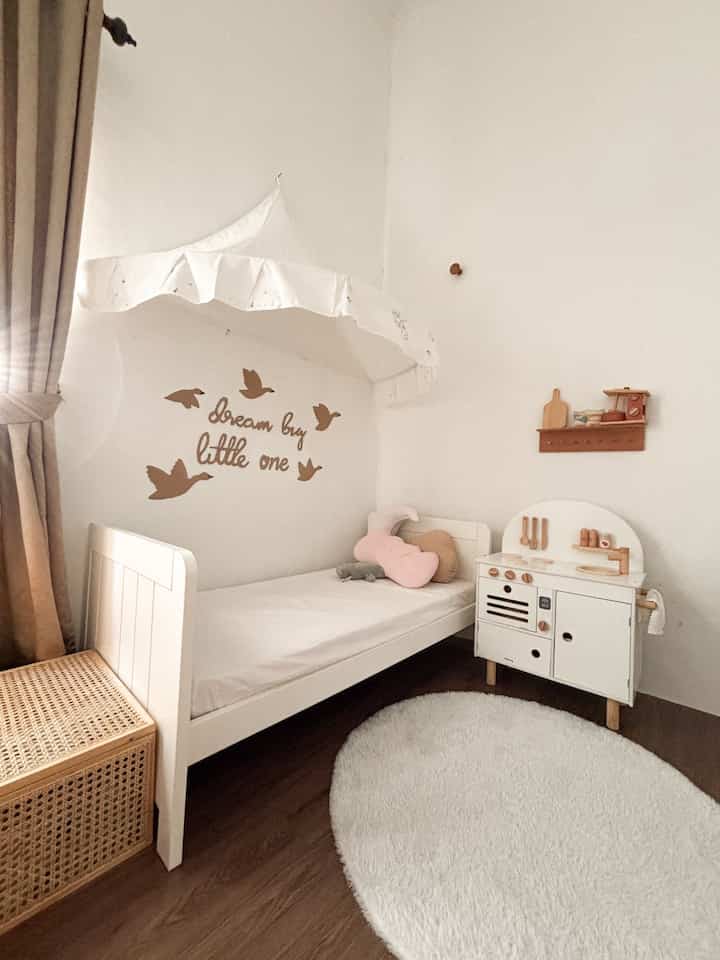
6
‼️Photo Challenge Alert⁉️
O!Class "Home Styling Photography 2.0" : Editing Your Phone Pics Like a Pro with Adobe Lightroom with Rizal R @Studio__nau
Thank you very much in advance to Ohouse because during my time as an ambassador I have gained more knowledge about "Homes in particular"
OHi Ohouse's neighbor!
for all my photos, I have actually always used presets, because presets are a fast track to making a room more aesthetic 🤏🏻🫰🏻
Honestly, I have been involved in the world of presets for a long time, maybe since 2018?!
because I think a uniform tone on social media feeds is a must! It looks neat and aesthetic, there are so many twists and turns from making it yourself, countless trial and error, to buying presets from only 10k - 350k 🤣
but it's still not right, finally in 2022 I found my own preset that suits my home and "this is really me" hehe
the tone is up bright but not over the top 🫶🏻🤎
what about your version of the story?
#OclassPhotoEditing
#MyEditingStyle
#MyEditingClass
10
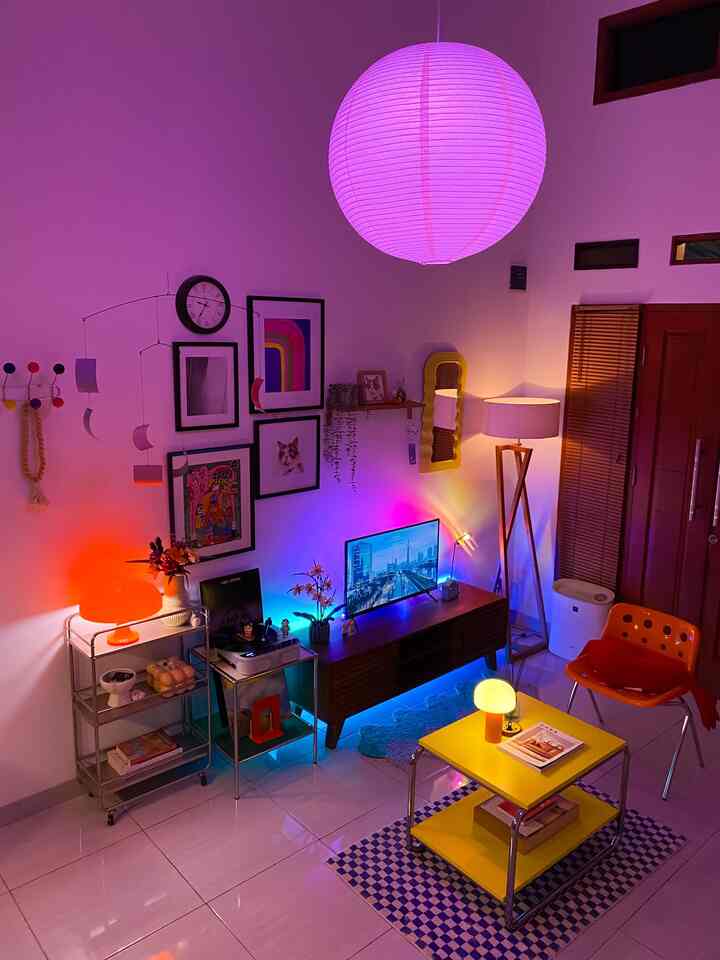
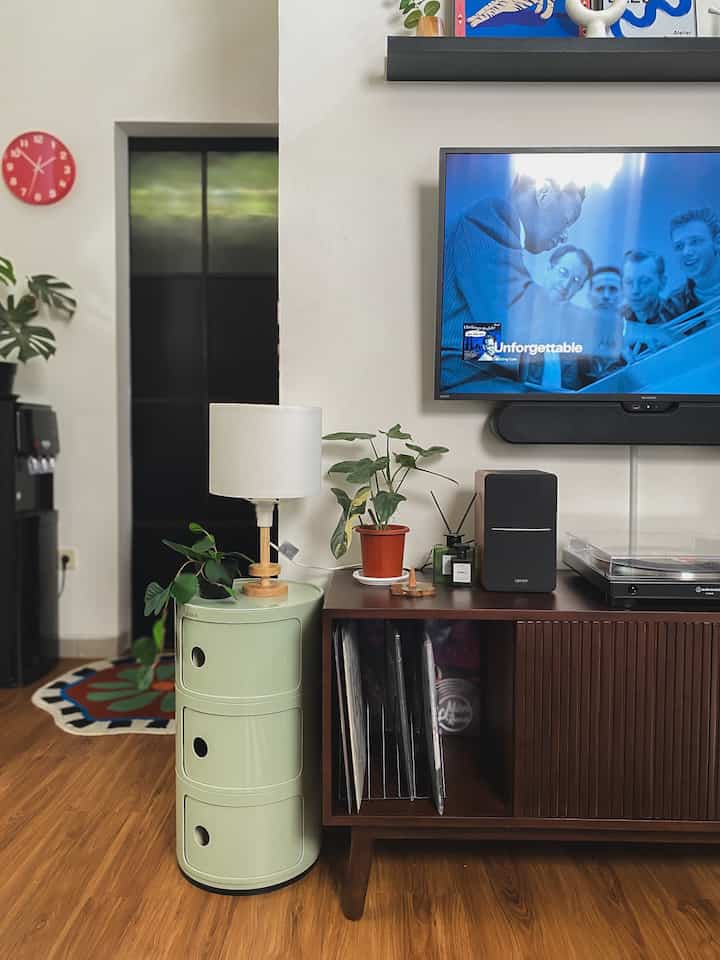
Romanticizing a mid-century modern living room with neon visual effects thanks to lighting by mood ✨
The colors of this visual come out even more with a touch of minor editing in Adobe Lightroom, by emphasizing the colors only, starting from reducing the temperature (-5), hue (+20), vibrancy (+30), and saturation (+15)🎨
In addition, a number of colors of decoration items/furniture are also emphasized, for example the yellow color of the lamp and table is made sharper so that it is not too pale 💛💜💙
To smooth the colors and avoid noise in the photo, color noise reduction (+30) with details (+50) is also carried out 🤏🏼
Although this edit is related to color, it is better not to change the basic/original color of the decoration items/furniture in the photo, so it is enough to sharpen and emphasize it 👌🏻
Here is the after (slides 1-5), while the before (slides 5-10) #OClassPhotoEditing #MyEditingStyle #midcenturymodern #livingroomstyling #decorationsilivingroom #livingroommakeover #depok #lighting
6
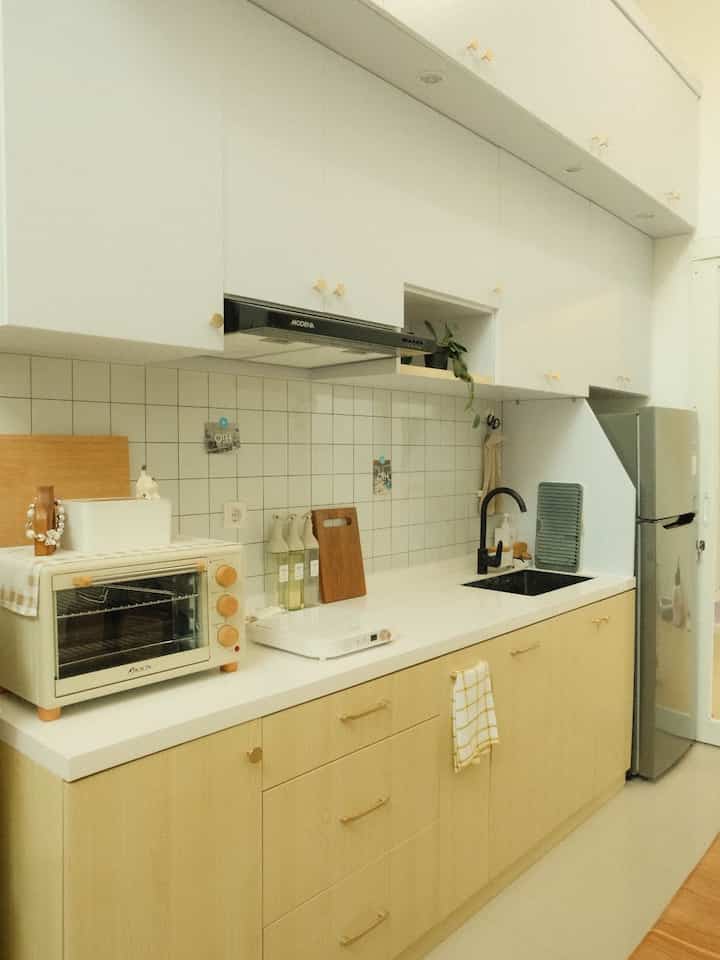
After - Before editing tone photo of kitchen in Damaruma (warm tone + dreamy)
Recipe:
- Exposure +0.02
- Contrast -5
- Highlight +14
- Shadow -3
- Temp +10
- Tint +1
- Vibrance +12
- Saturation +3
To make it look dreamy I added Clarity (+6) and reduced Texture (-21)
#OClassPhotoEditing #MyEditingStyle #KitchenDamaruma #LightroomToneRecipe #WarmTone
10
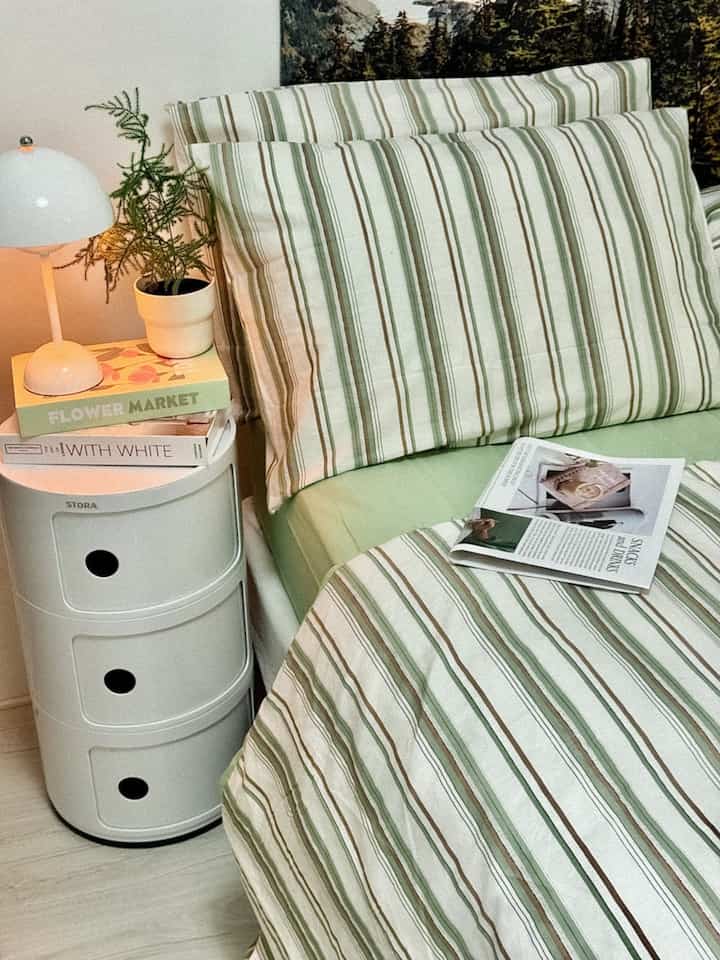
O!class “Home Styling photography 2.0: Master the art of editing Phone Like a Pro with Adobe Lightroom “
After-before photos, it turns out that playing with textures on photos taught by Rizal makes photos more meaningful, photos don't always have to be clear and clear because the results of a photo determine its own character and characteristics 🤍
#OclassPhotoEditing
#MyEditingStyle
5
Photo Challenge O!Class ✨
Home Styling Photography 2:0 Master the Art of Editing Your Phone Pics Like a Pro with Adobe Lightroom with Rizal Ramadhan and Ohouse.
Thank you for the knowledge and class that has increased your photo editing skills, increased your knowledge of beautifying home photos 🙏
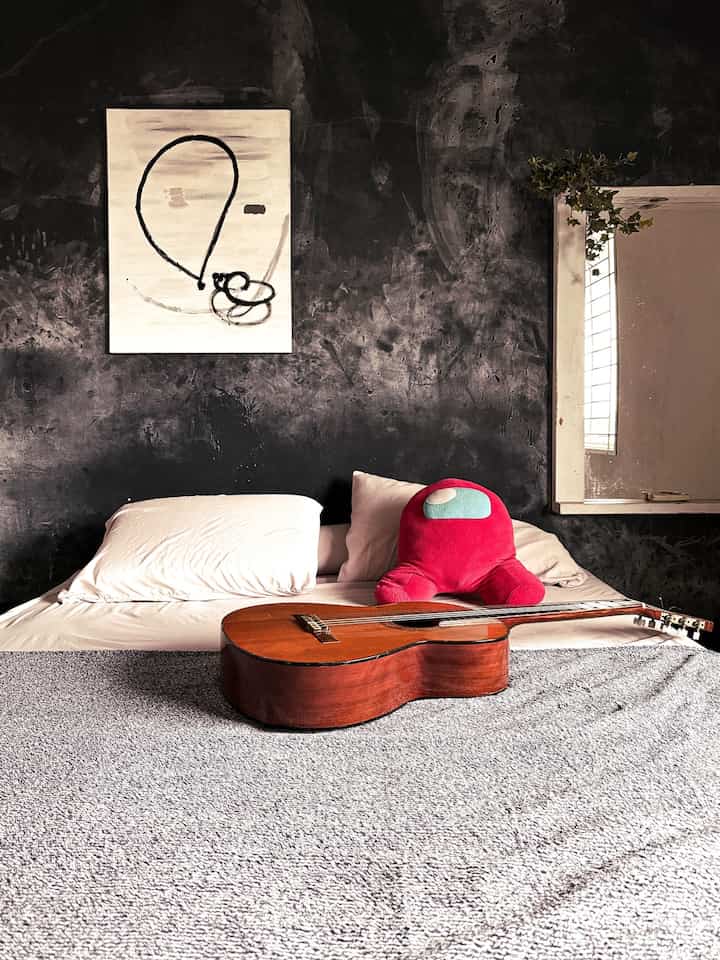
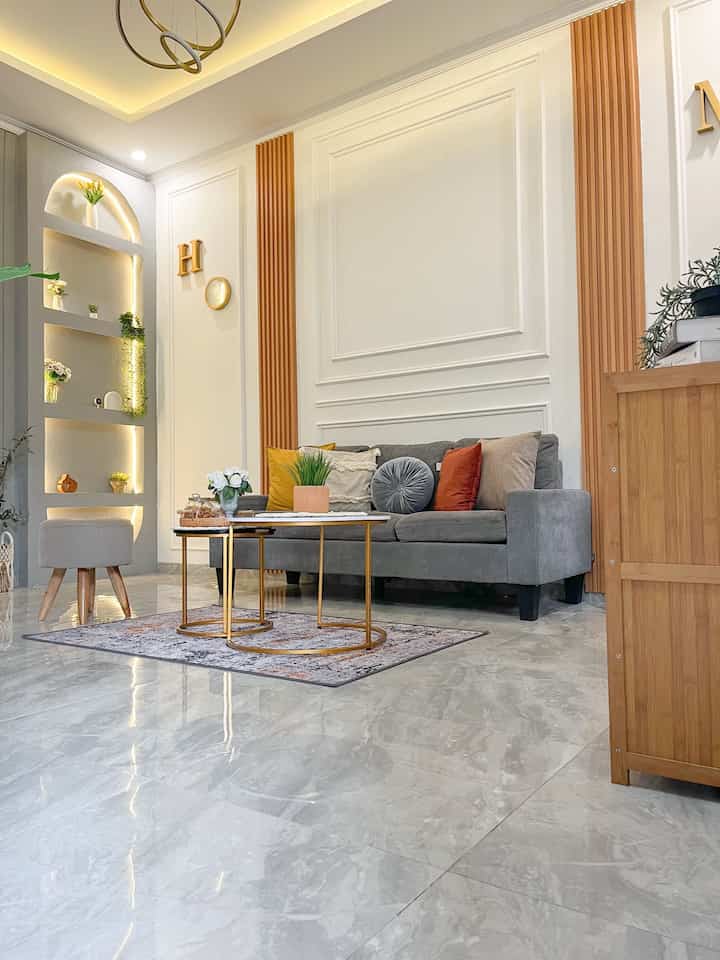
This is the result of editing light, exposure, color, white balance, composition, texture and details that I applied to a photo of a child's room in the afternoon with minimal sunlight, assisted by lighting from a table lamp. The effect I want is a vintage style. There is also 1 slide of the original photo (before).
#OClassPhotoEditing
#MyEditingStyle
5
O Class Photo Challenge ✨
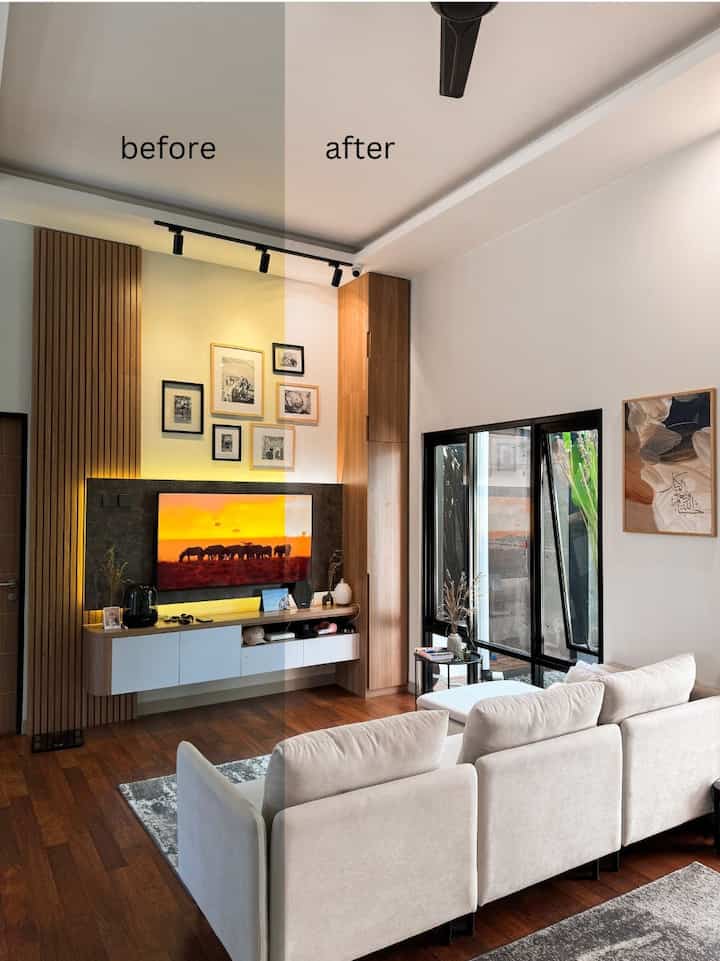
So far I have only tried one application for editing photos, but after joining Oclass yesterday, I gained a lot of new knowledge on how to edit photos using the Lightroom application.
Thank you Ohouse for the Oclass photography and thank you also for the knowledge, Rizal Ramadhan @studio_nau 🫶🏻🤗
#OClassPhotoEditing #MyEditingStyle
6
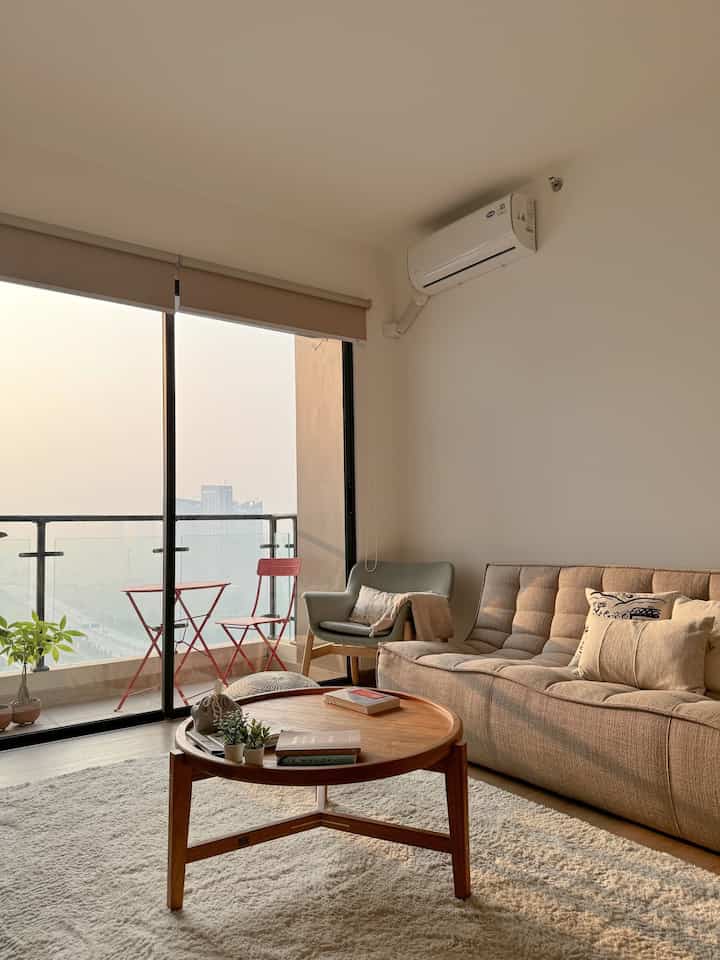
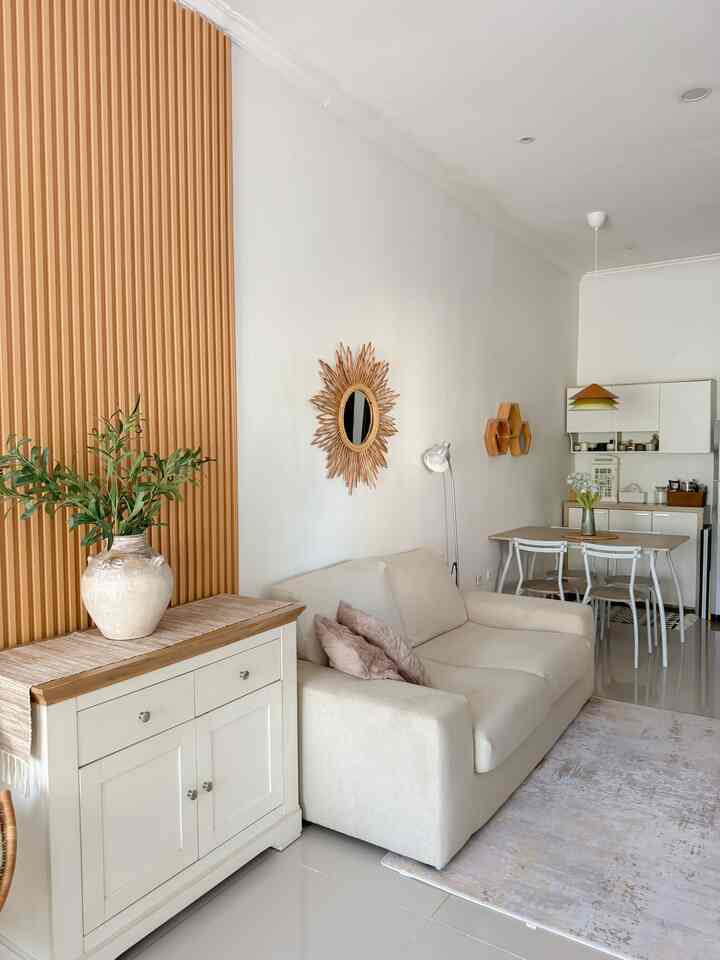
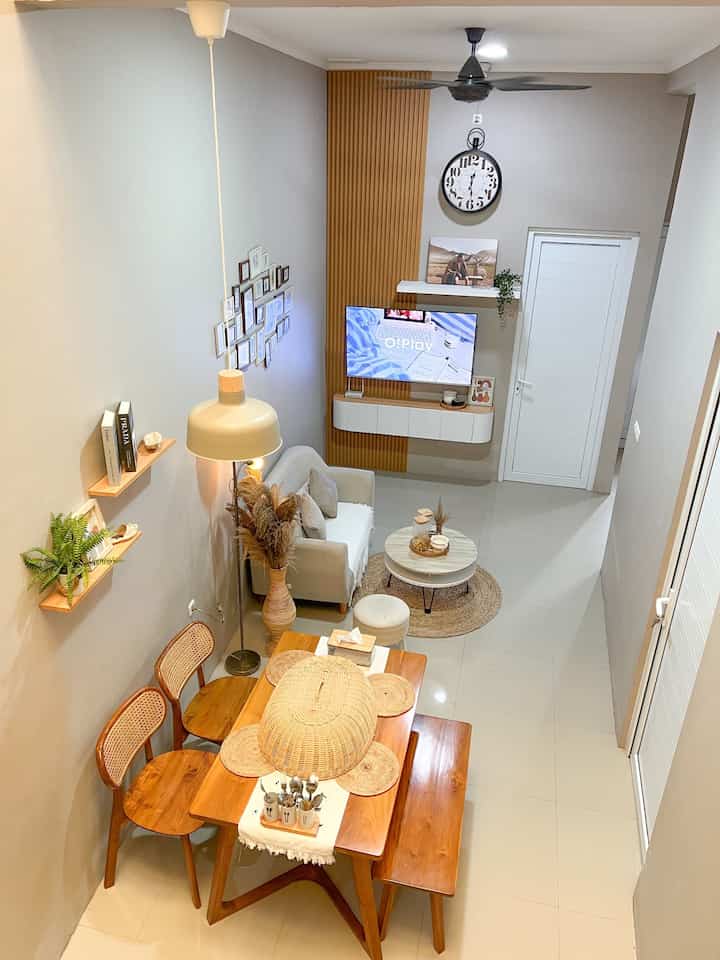
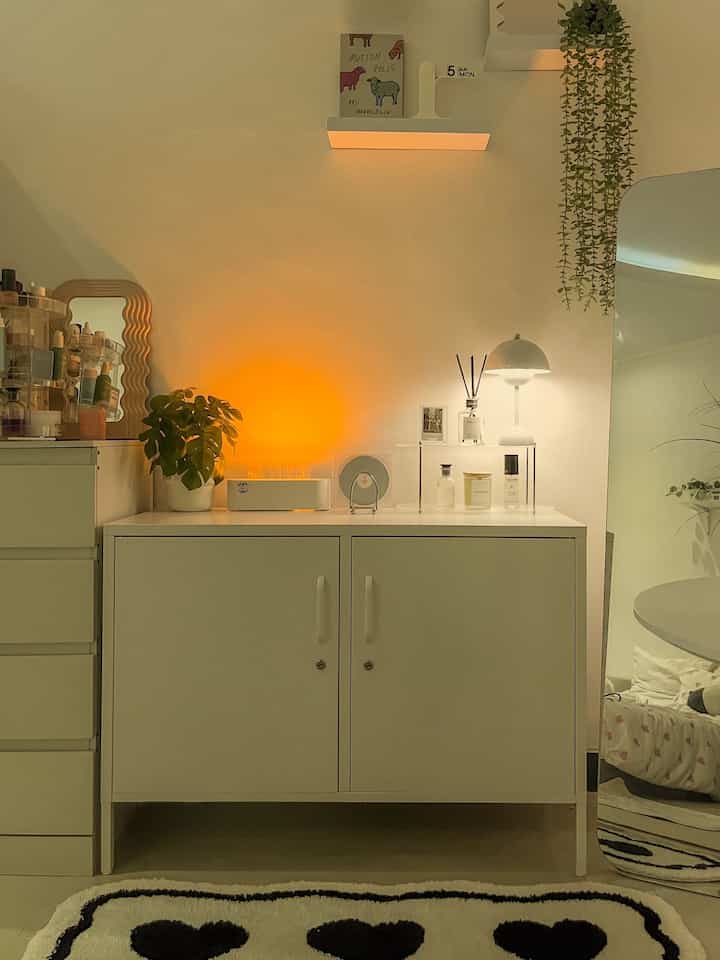
O!Class always adds new knowledge for us.
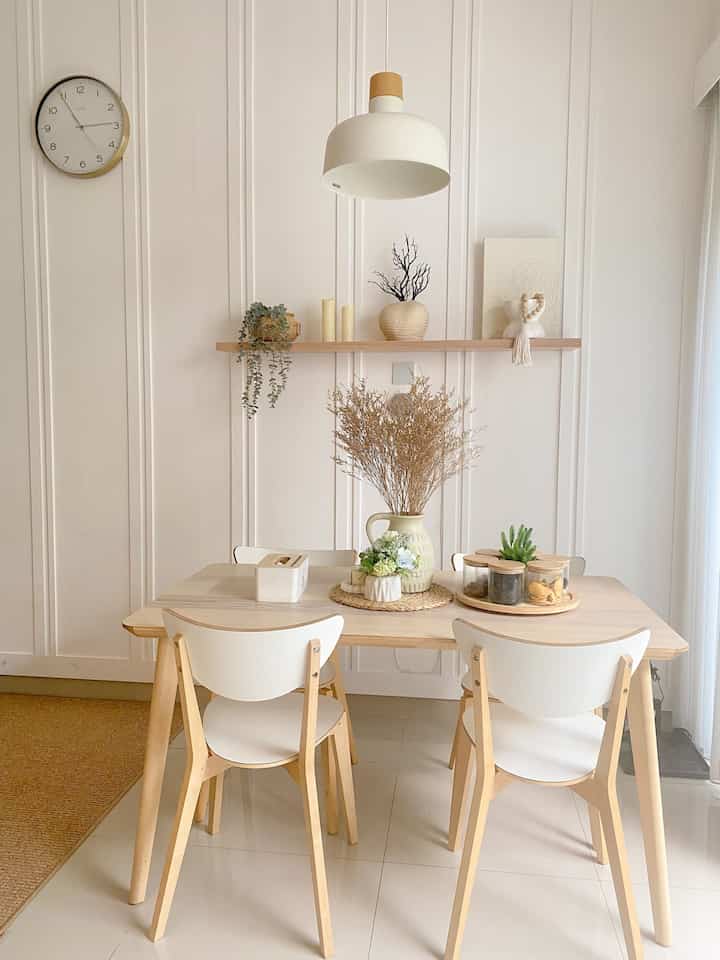
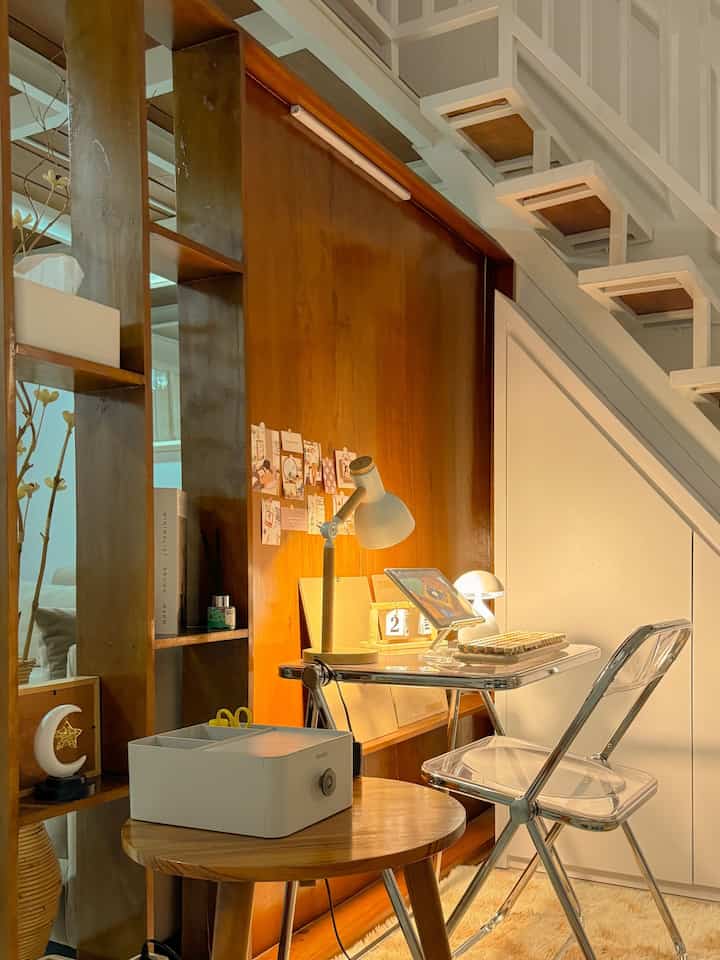
Previously, we only posted photos with natural tones without retouching and because of limited light, the resulting photos tended to be dark.
And of course O!Class reopened our perspective that we must have a distinctive feature and tone that matches the theme of our house.
Thank you O!House and O!Class 🤍
#oclassphotoediting
#myeditingstyle
#livingroom
#interiorinspiration
8
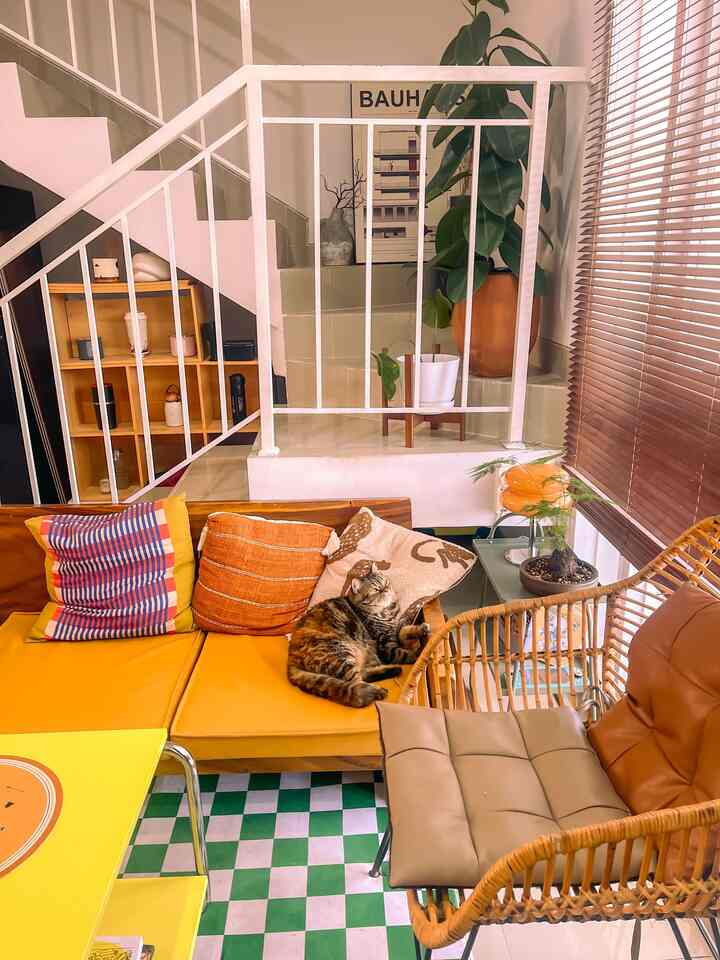
Dare to play with color
Try editing photos using a different style. Usually the editing style I use is more towards white neutral cool tone.
But this time I want to try to explore another formula, using a warm tone editing style + a little hint of green from the results of participating in O! Class "Home Styling Photography 2.0: Master the Art of Editing Your Phone Pics Like a Pro with Adobe Lightroom" with Rizal Ramadhan |
#OClassPhotoEditing
#MyEditingStyle
10
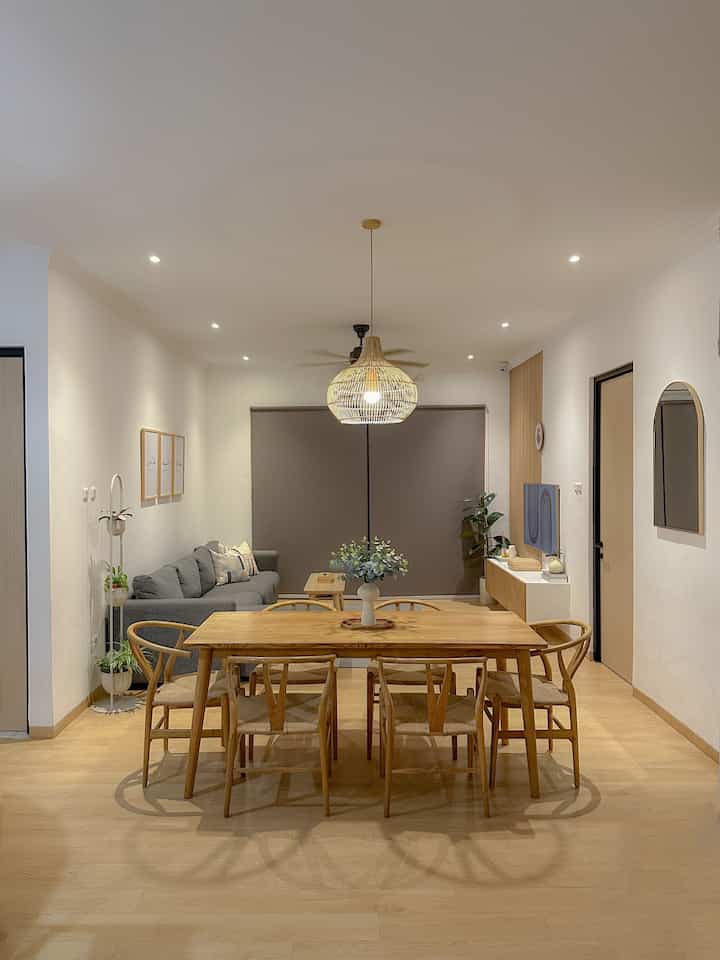
Thank you O!Class Photography themed
Home Styling Photography "Editing Your Phone Pics Like a Pro with Adobe Lightroom Apps" with @studio_nau!
So I understand more about how to practice editing in more detail about color grading, lighting, effects, etc. How to highlight what color elements in our photos that we want, whether green or yellow, and the vibes whether warm or cool so we can find out which room is more suitable for what kind of editing style..
Hopefully my hope is that next time I can get another O!class opportunity with the material about "video editing" 🤗
#OclassPhotoEditing #MyEditingStyle #AdobeLightroom #PhotoChallenge #EditingPhotoChallenge
6
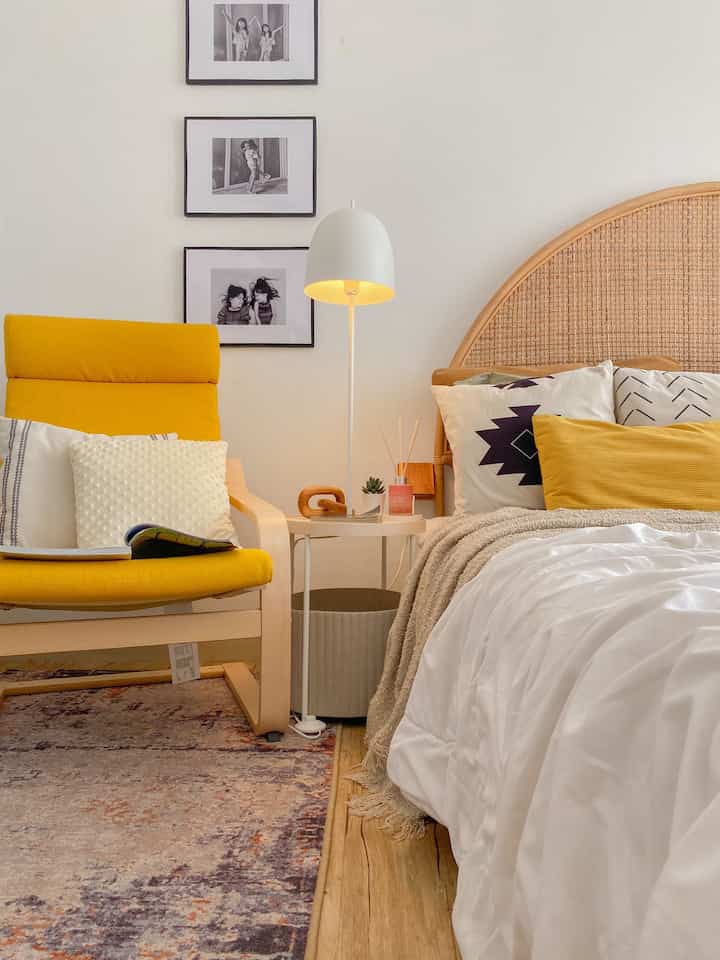
These are before & after photos with Adobe Photoshop Lightroom. This is the application that I always use to edit photos and videos. The first thing I definitely use is the auto geometry feature, I use this feature in almost all photos. After that, just use the preset that I created myself. Usually I always apply my preset to all photos and videos first, if it doesn't feel good, then I check the light and color again manually. Apart from that, other features that I often use are remove and clone. Remove can be seen on slide 2 where there are items in the frame but they are very annoying so I removed these items.
#OClassPhotoEditing
#MyEditingStyle
10
Photo Challenge O!Class
“Home Styling Photography 2.0: Master The Art of Editing Your Phone Pics Like a Pro with Adobe Lightroom” with Rizal Ramadan (@studio_nau).
—
photos of the rooms in the house as they are are actually okay, but if you can do better, why not?
so all this time I always edit photos especially photos of rooms at home using Adobe Lightroom application, but when I joined O!Class with Kak Rizal (@studio_nau) it turned out I got new insights especially about Color Mix, nice tips 👌🏻✨
so to edit photos, I edit
Light — Color — Preset — Straighten
/ Light./
Exposure - Contrast - Shadows - Blacks tend to the right
Highlights - Whites tend to the left
/ Color./
now this is what I just found out, it turns out there is Color Mix, for my house because it has a distinctive YELLOW color, with this Color Mix it helps to maintain the color —yellow— by adjusting HSL | Hue - Saturation - Luminance
/ Preset./
This is another thing I like using LR, the adjustments we make can be saved as presets, it can make it easier to edit and match the tone of each photo, the feed becomes neat
/ Straighten./
This is something that is never missed, even though I have turned on the camera grid, believe me, some photos definitely need this and it automatically makes the photos more symmetrical and precise
You can see above some examples of photos of rooms in the house Before — After Editing with Adobe Lightroom ✨
#OClassPhotoEditing
#MyEditingStyle
5
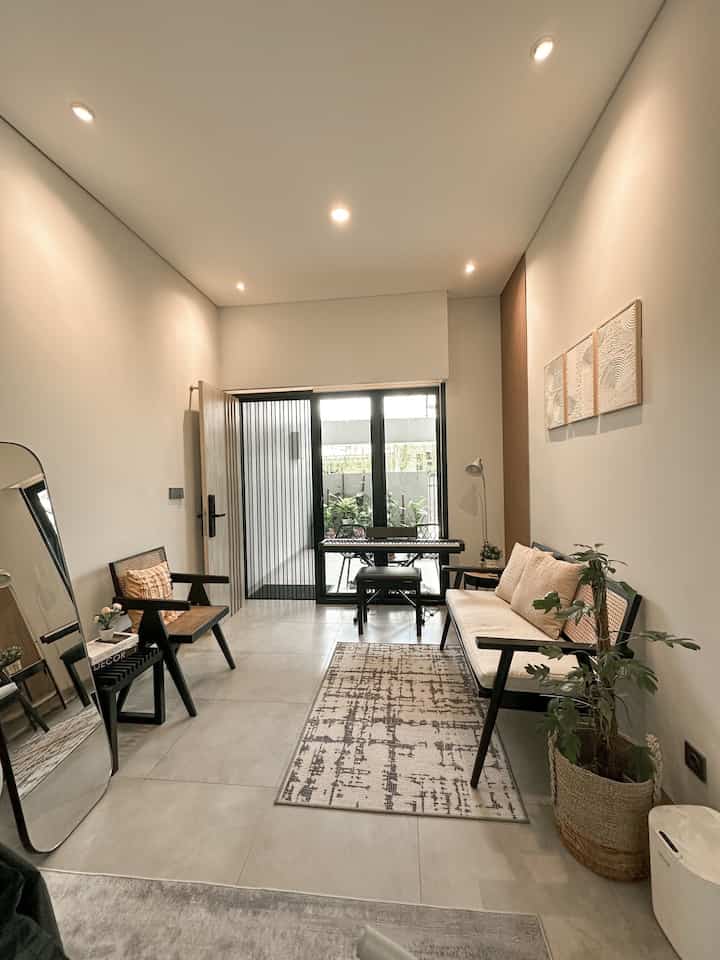
Hi, this is my editing result using lightroom. Some time ago I attended O!Class about photo editing to be more aesthetic using the lightroom application.
Here I took the photo in the afternoon, to make the vibes more pronounced I edited it a bit using the lightroom application.
#OClassPhotoEditing #MyEditingStyle #Homedecor #Livingroom #Afternoonvibes #Homestyling #homestagram #ModernIndustrial